Direct answer
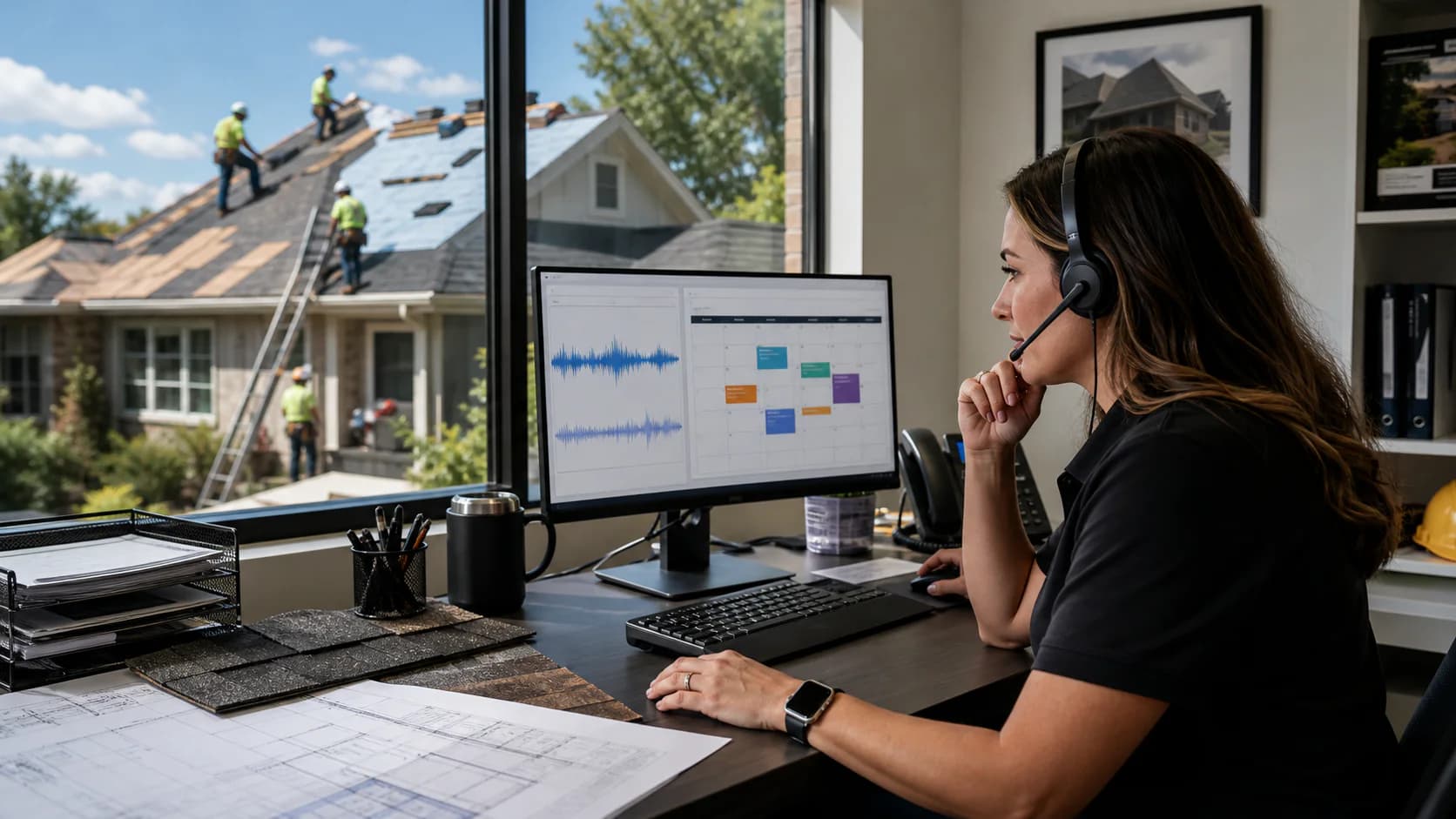
An AI receptionist for a roofing company answers inbound calls, collects the caller and property details, identifies the service request, records an estimate appointment outcome, transfers selected calls, and gives the team a structured conversation record. It works best when the roofing company defines its service area, hours, transfer rules, qualification questions, appointment availability, and follow-up ownership before turning it on.
The useful job is bigger than answering the phone
A roofing call often arrives while the owner is driving, a salesperson is inspecting, or the office is coordinating production. Simply recording a name and number leaves the team with another unqualified callback. A stronger intake captures enough property and project context for someone to take the next action without starting the conversation over.
The receptionist should represent the company's real process. It should not invent services, promise pricing, diagnose roof condition, guarantee insurance coverage, or create appointment availability that the team cannot honor. The goal is a reliable first response and a clean handoff, not an unsupervised replacement for roofing judgment.
- Answer with the roofing company's configured greeting
- Capture name, callback number, property address, and service need
- Ask concise qualification questions that affect routing or follow-up
- Offer approved estimate or inspection availability
- Transfer calls that meet the company's live-handoff rules
- Store the recording, transcript, summary, and booking outcome
Decide which calls need an immediate human
Not every call should follow the same script. A new estimate request, an active leak, a supplier, an existing customer asking about production, and a person requesting a manager have different urgency and ownership. Define those paths before launch so the receptionist can collect the right context and transfer only when it helps.
Keep the transfer tree short. Too many branches make the experience slower and harder to maintain. Start with one primary transfer number, a clear after-hours rule, and a fallback that records a callback request when nobody accepts the transfer.
- New sales opportunity: qualify and offer estimate availability
- Existing customer: capture the job and reason for calling
- Urgent property issue: follow the company's approved urgency language
- Human requested: attempt the configured transfer
- Vendor or employment call: route or record according to office policy
Give appointment booking operational guardrails
Appointment booking only helps when the offered times reflect how the sales team actually works. Set the correct business timezone, visit duration, travel buffer, service area, working days, and blocked periods. Decide whether a requested time is immediately confirmed or held for team review.
The team still needs ownership after the booking. Assign who reviews new call outcomes, confirms the property is inside the service area, checks duplicate customers, and follows up when the caller did not select a time. A booked field on a record is not the same as a completed sales process.
Connect the conversation to the roofing CRM
A separate answering dashboard creates another queue for the office to monitor. The better operating model places the call beside the customer, property, lead stage, assigned salesperson, tasks, estimate, and future job. That preserves what the caller said and what the team did afterward.
Use a consistent review routine. New call outcomes should be checked at the start of the day and during working hours, with clear escalation for high-intent or urgent requests. Track response time, qualified opportunities, appointment outcomes, transfers, and unanswered follow-up rather than judging the system only by total call count.
Plan voice and business texting as separate activations
A dedicated number can support calling after number and voice provisioning are complete. Business SMS has a separate carrier-registration process. Brand registration, campaign approval, and number assignment may keep texting in a pending state after voice is already active.
Do not build a launch plan that assumes outbound SMS is immediate. The interface should show the current approval state, and the team should have an email or call-based fallback while carrier approval is pending. Sample messages, opt-in language, privacy and terms links, and business identity details need to match the real use case submitted for registration.
A practical launch checklist
Begin with a narrow, reviewable call flow and expand after listening to real calls. The first week should be treated as calibration: review transcripts, identify confusing questions, confirm transfers, and compare booking outcomes with the schedule.
- Confirm business name, services, service area, hours, and timezone
- Write the greeting and keep qualification questions concise
- Configure estimate availability, duration, buffers, and transfer numbers
- Define after-hours, urgent, existing-customer, and human-request paths
- Assign a team member to review every new call outcome
- Test with realistic calls before publishing the number broadly
- Review recordings and transcripts daily during the first week
- Keep SMS marked pending until carrier approval is complete